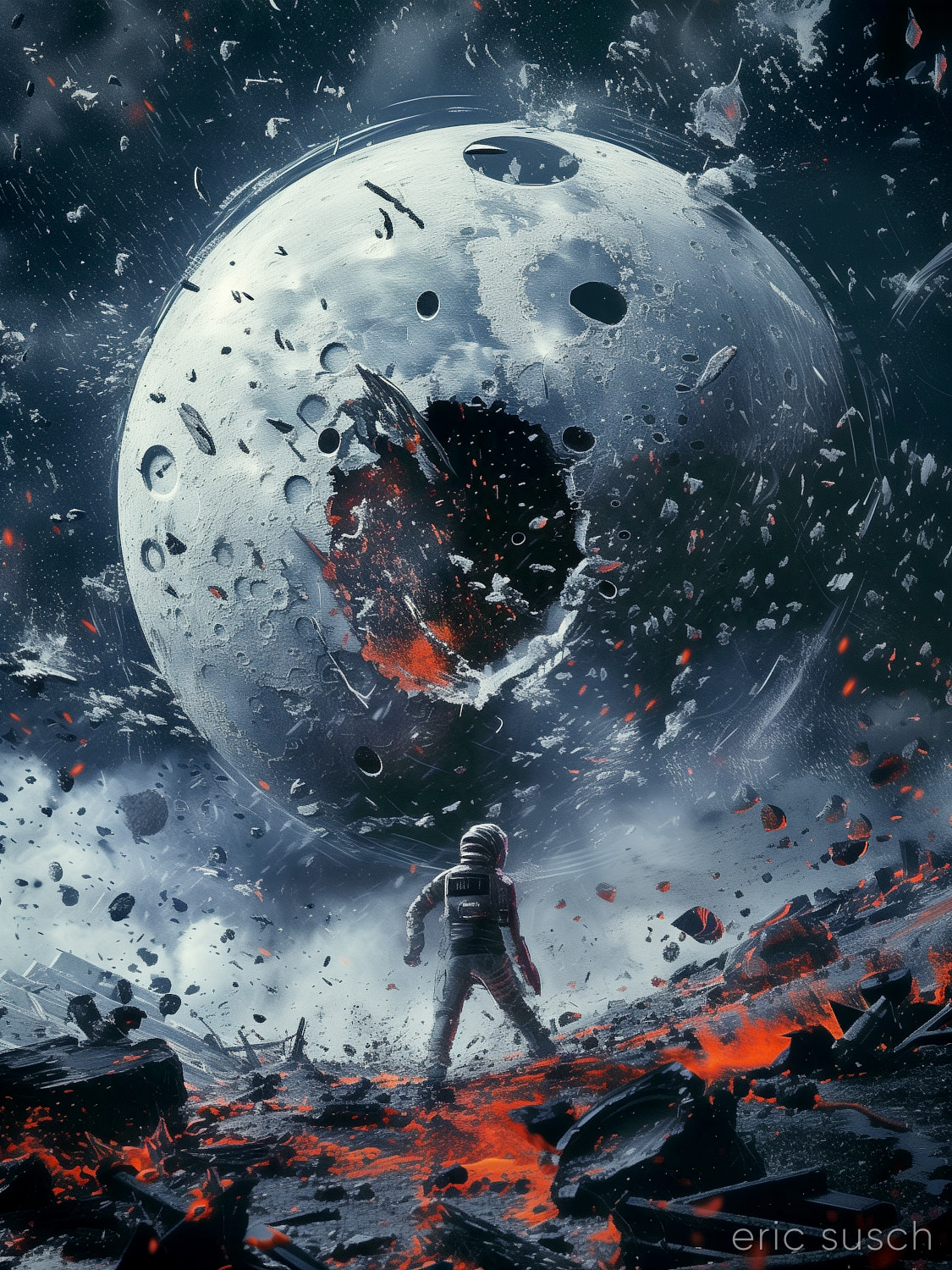
 #Art I made with #Midjourney #AI
My Will Brings Down the Moon and Shatters It to Pieces
Leave a reply
#Art I made with #Midjourney #AI
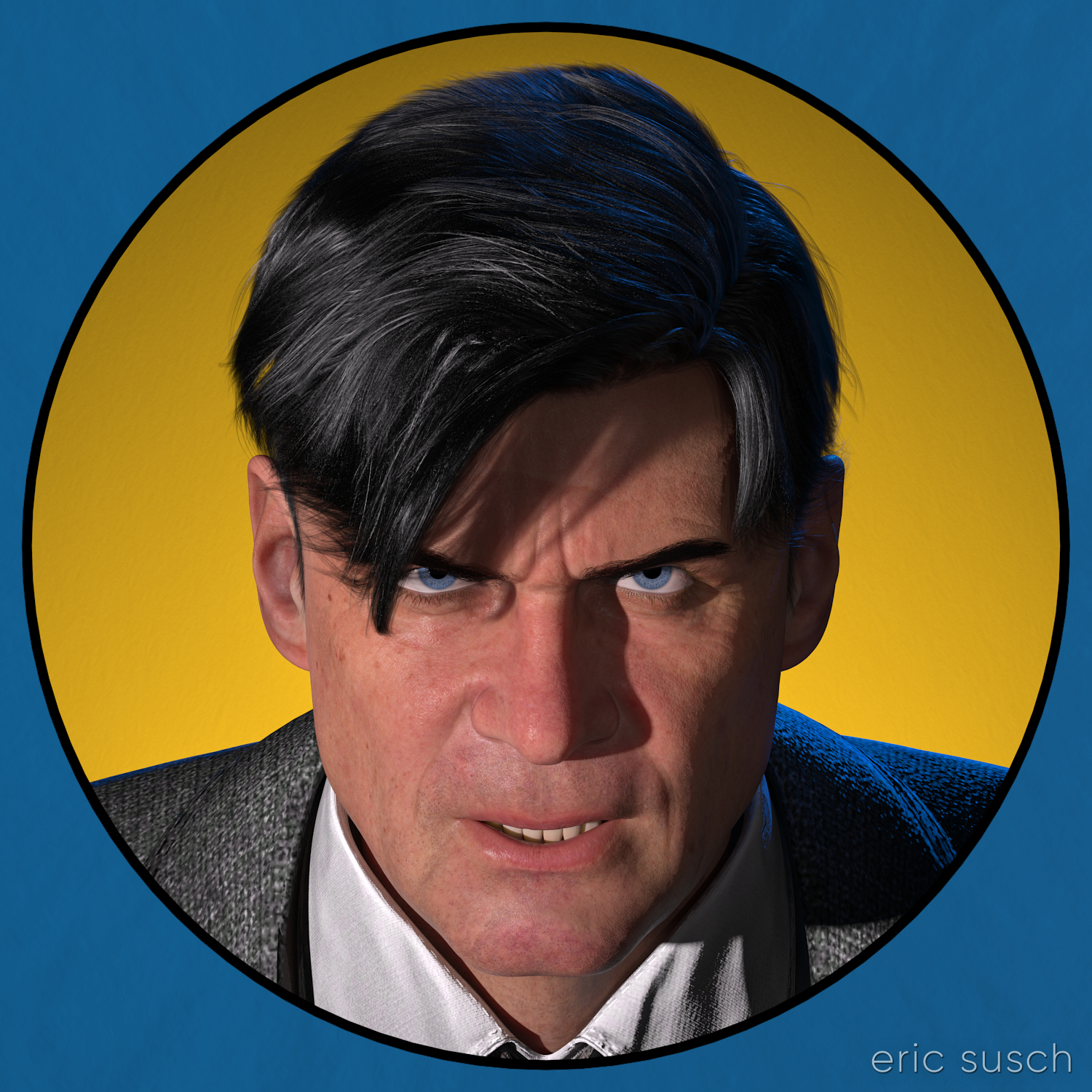 I haven’t done anything creative in quite awhile. Life just kept getting in the way. I don’t know about you but not making things drags my soul down. Everything becomes harder. I needed something to raise my spirits.
I needed a simple artistic project to get back and feel like myself again, something that wouldn’t spiral into a huge task that would never get finished.
I’ve been reading these EC comic book collections recently. They have fantastic art and stories from the early to mid 50s.
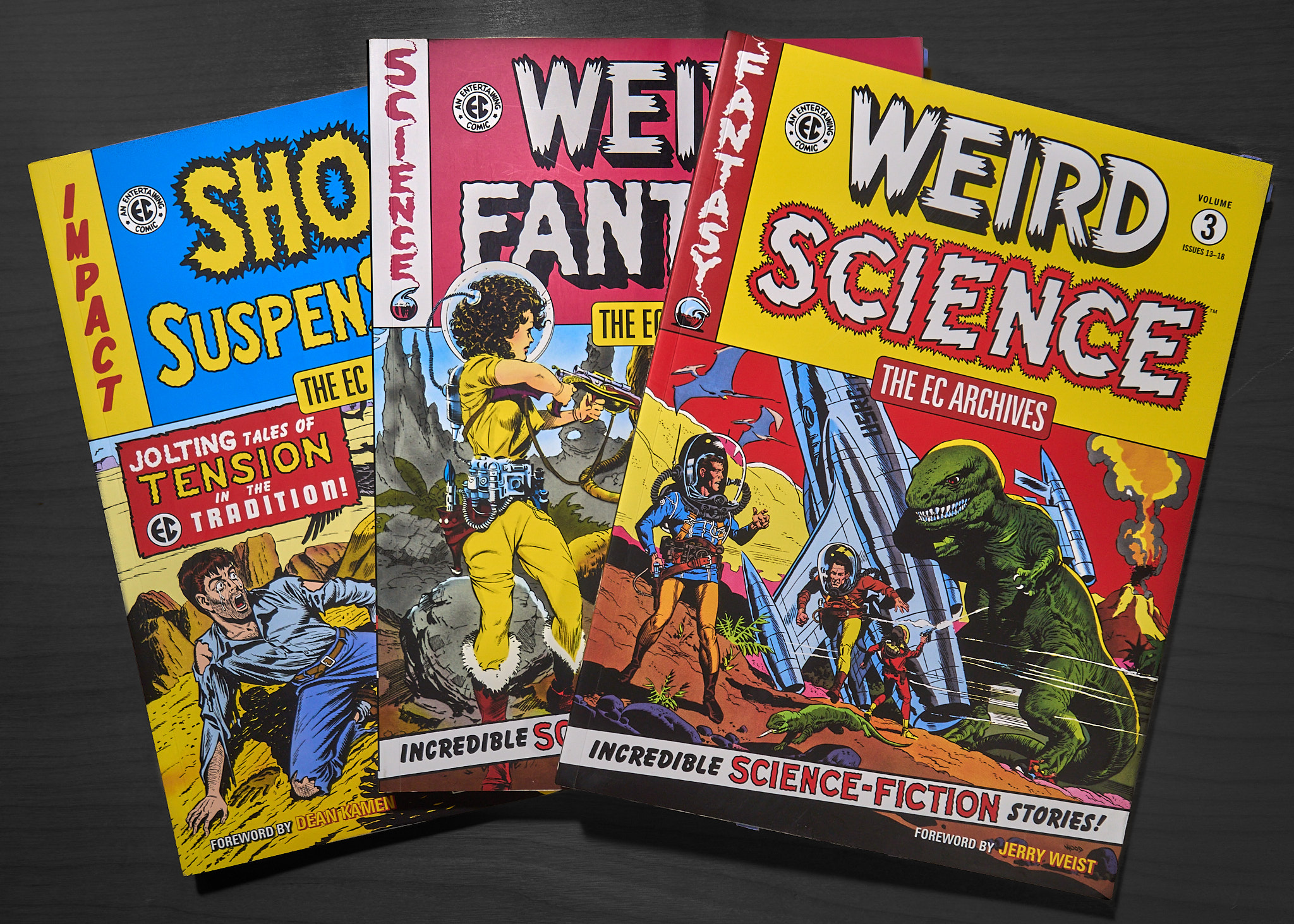 On the back of one of them is this image:
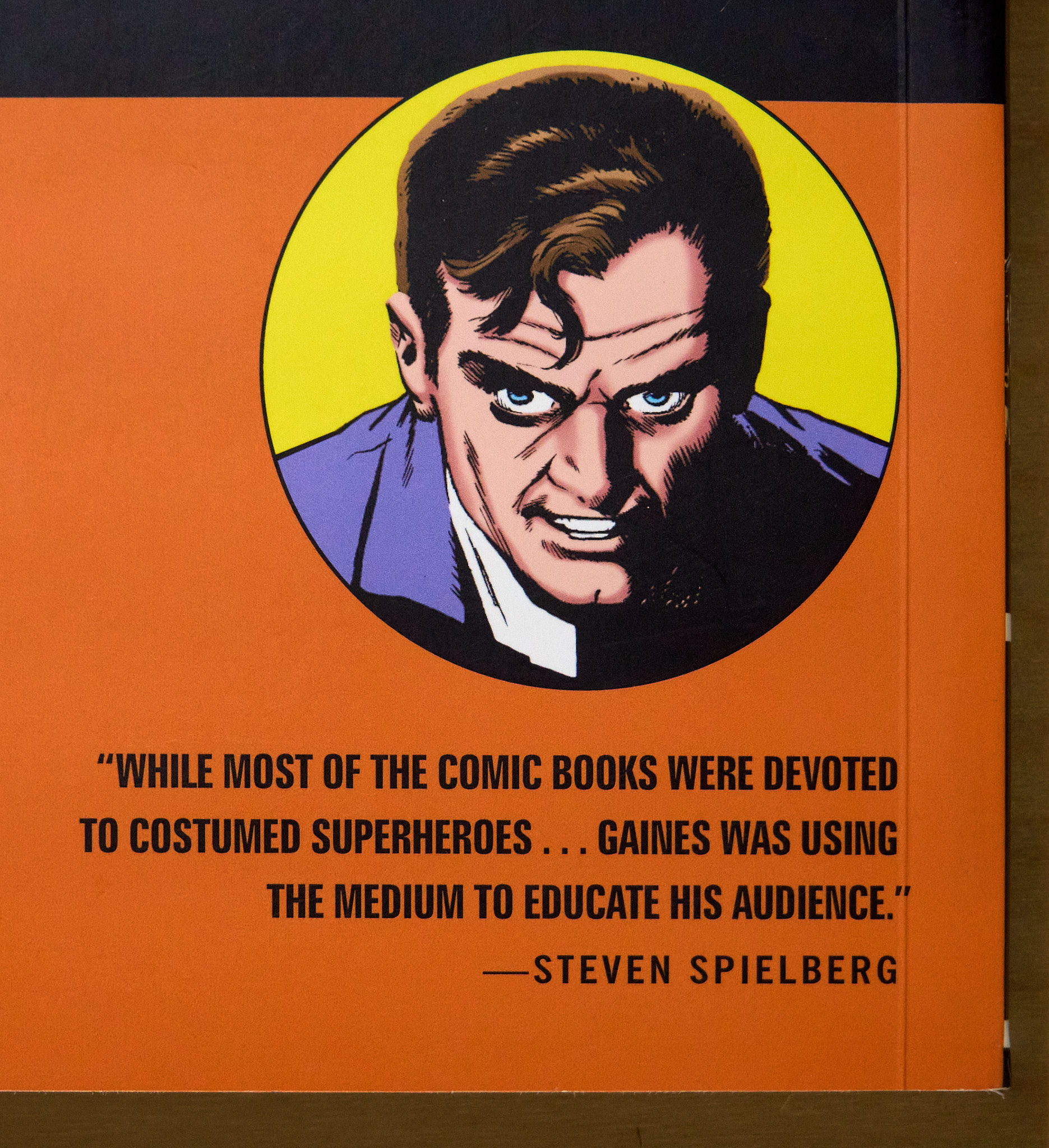 A simple portrait. One character. Exactly the kind of thing I should try to do. I imagined an image like this printed three feet square on the wall.
A realistic computer graphic version of this seventy year old drawing would be interesting. The circular graphic element would call back to the drawing’s comic book roots and it could also reference the modern avatars of social media. Mixing a realistic character with flat graphic elements would be interesting too.
I could create the graphic elements in photoshop of course, but I wondered if it were possible to build the whole thing in 3D… all “in camera” so to speak.
I fired up my computer…
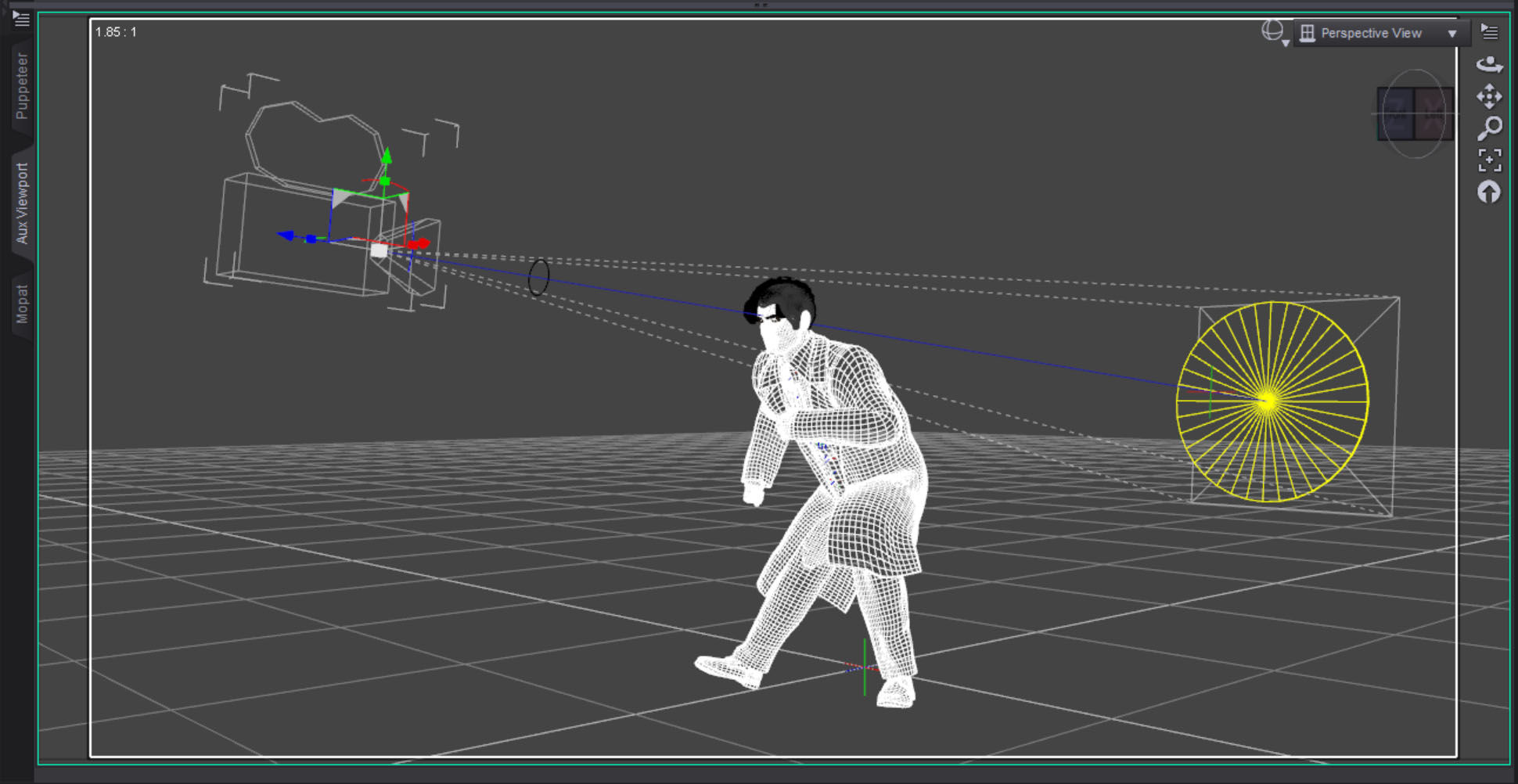
After setting the character in DAZ Studio and lining up the camera, I created a cylinder one meter in diameter for the background yellow circle. I parented it to the camera and moved it down the lens axis until it was the proper size behind the character. The exact procedure is this:
 I then created a torus with a ten centimeter diameter for the black line and parented it to the camera in front of the character. I lined up the black line so it just covered the edge of the yellow circle. It worked perfectly as this test render shows.
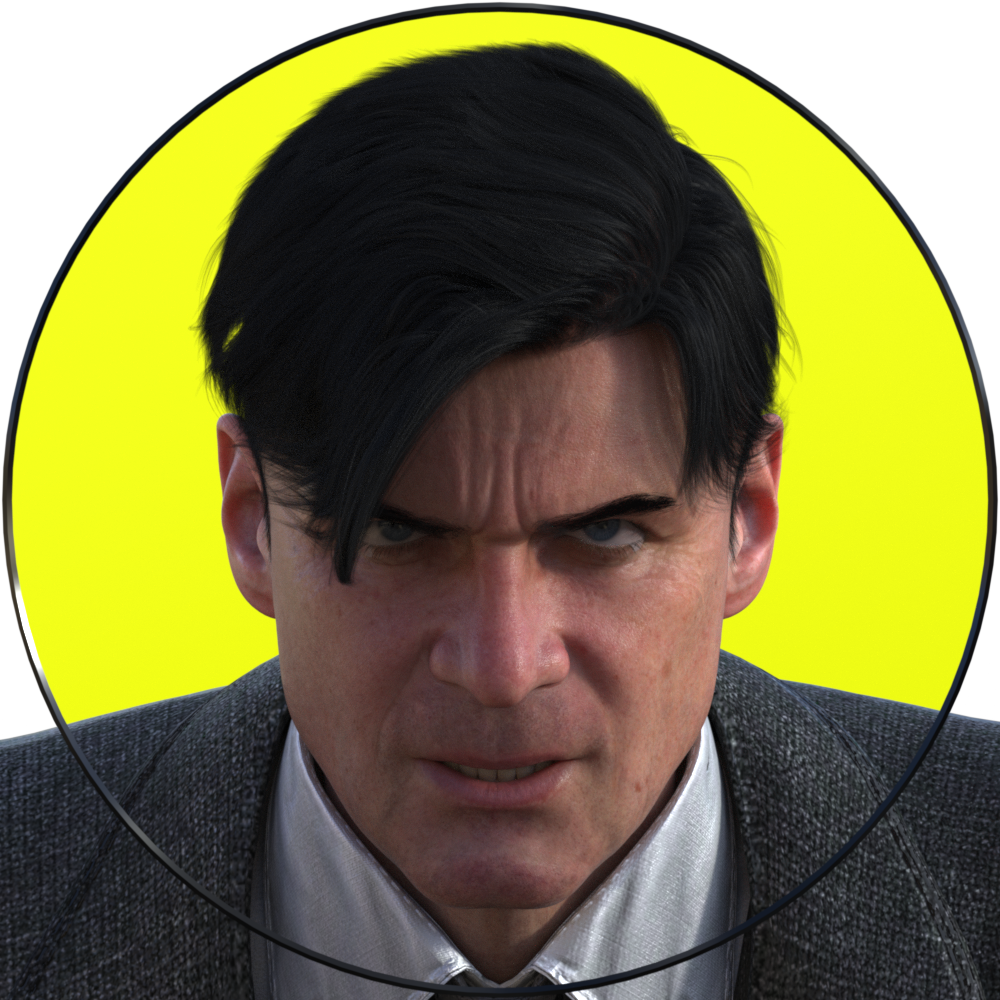 If you’re trying this at home, make sure you have Depth of Field switched OFF in the camera, otherwise it will destroy the illusion. Everything needs to be in sharp focus for this to work.
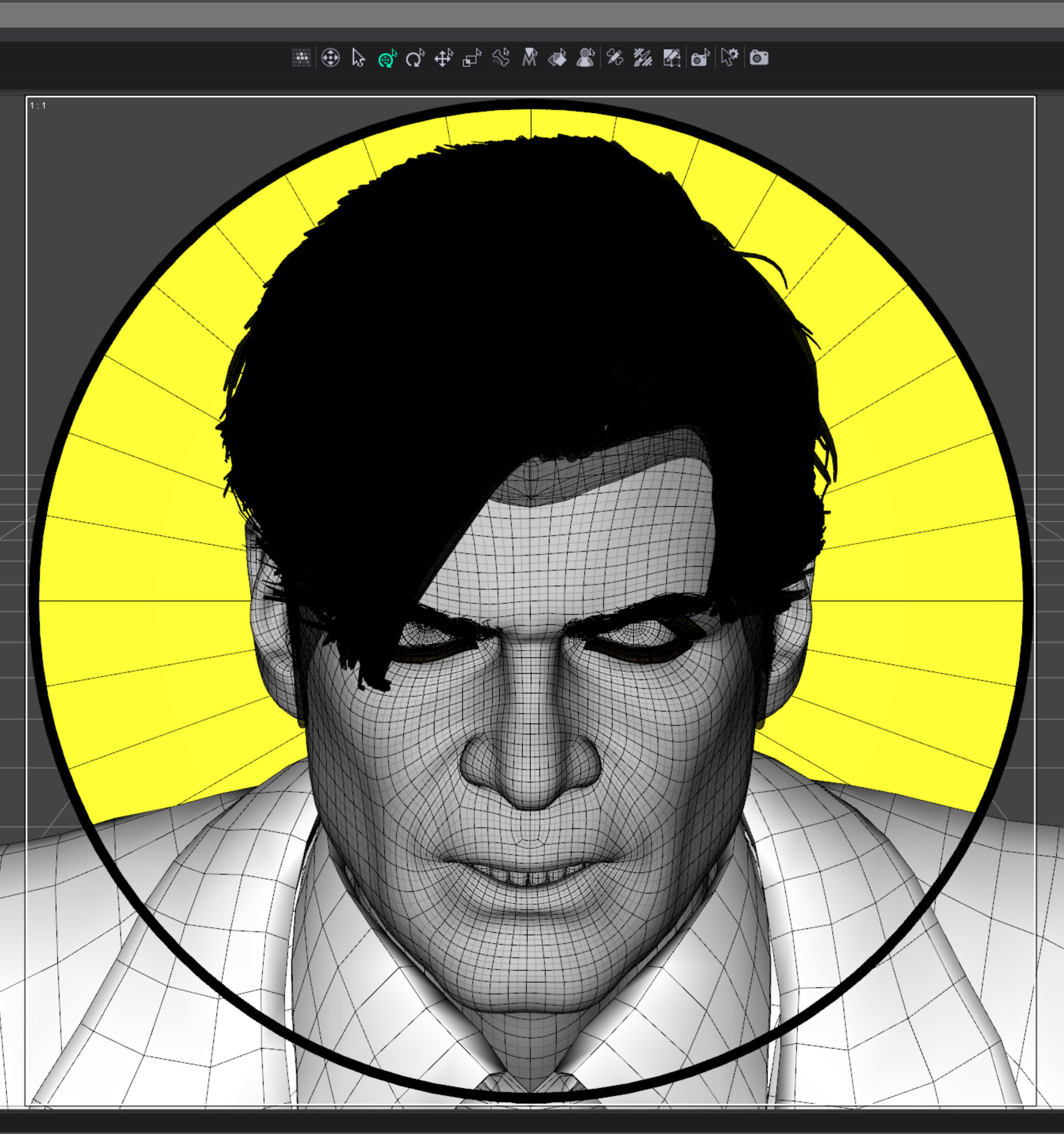 I originally imagined the image to be just a circle with the outside corners transparent. I needed to eliminate the characters shoulders though. At first I thought I could just eliminate some of the geometry but I couldn’t do that with a precision that could be hidden behind the thin black line. I decided to create another graphic element covering the outer edge, in front of the character.
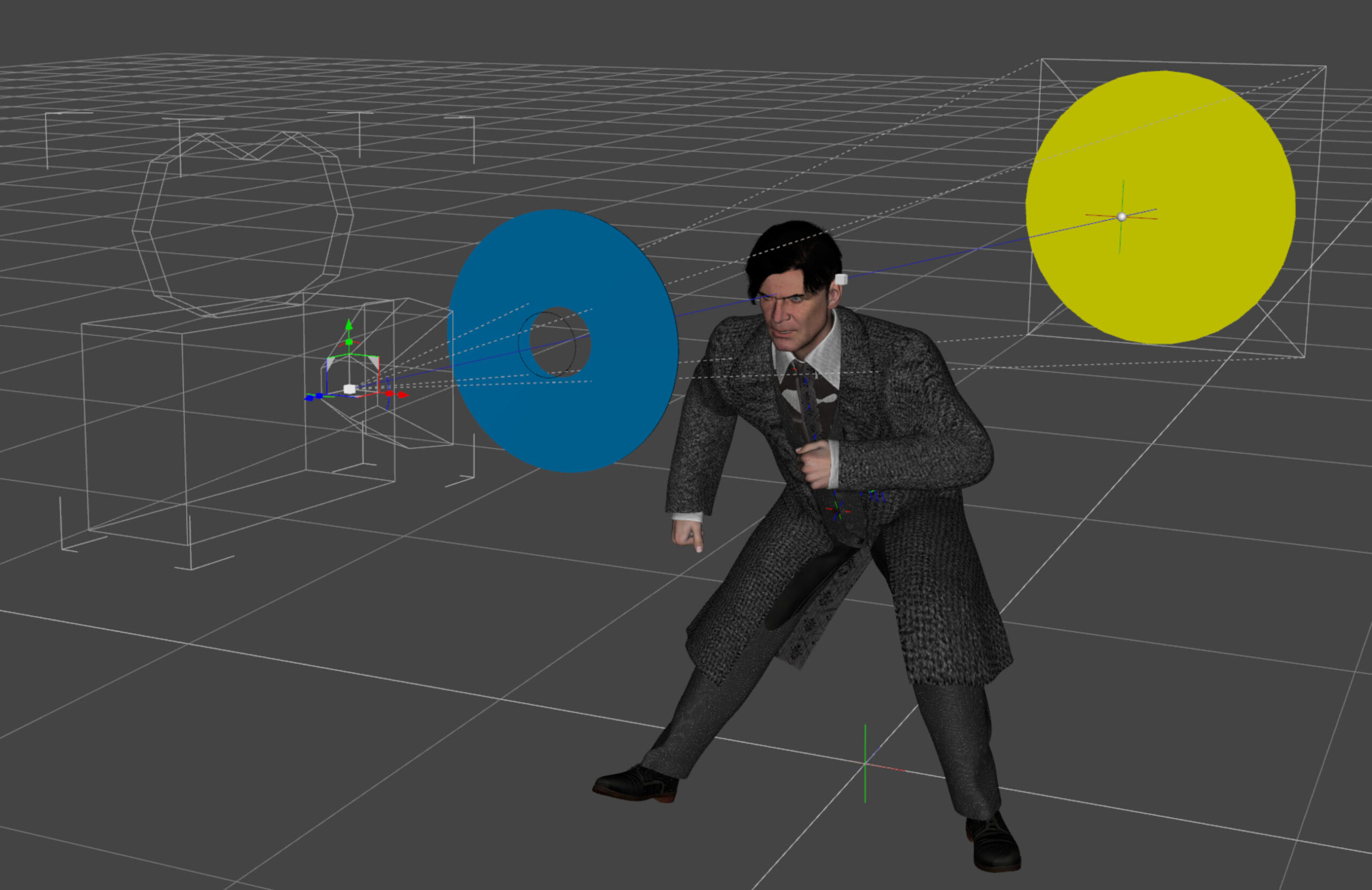
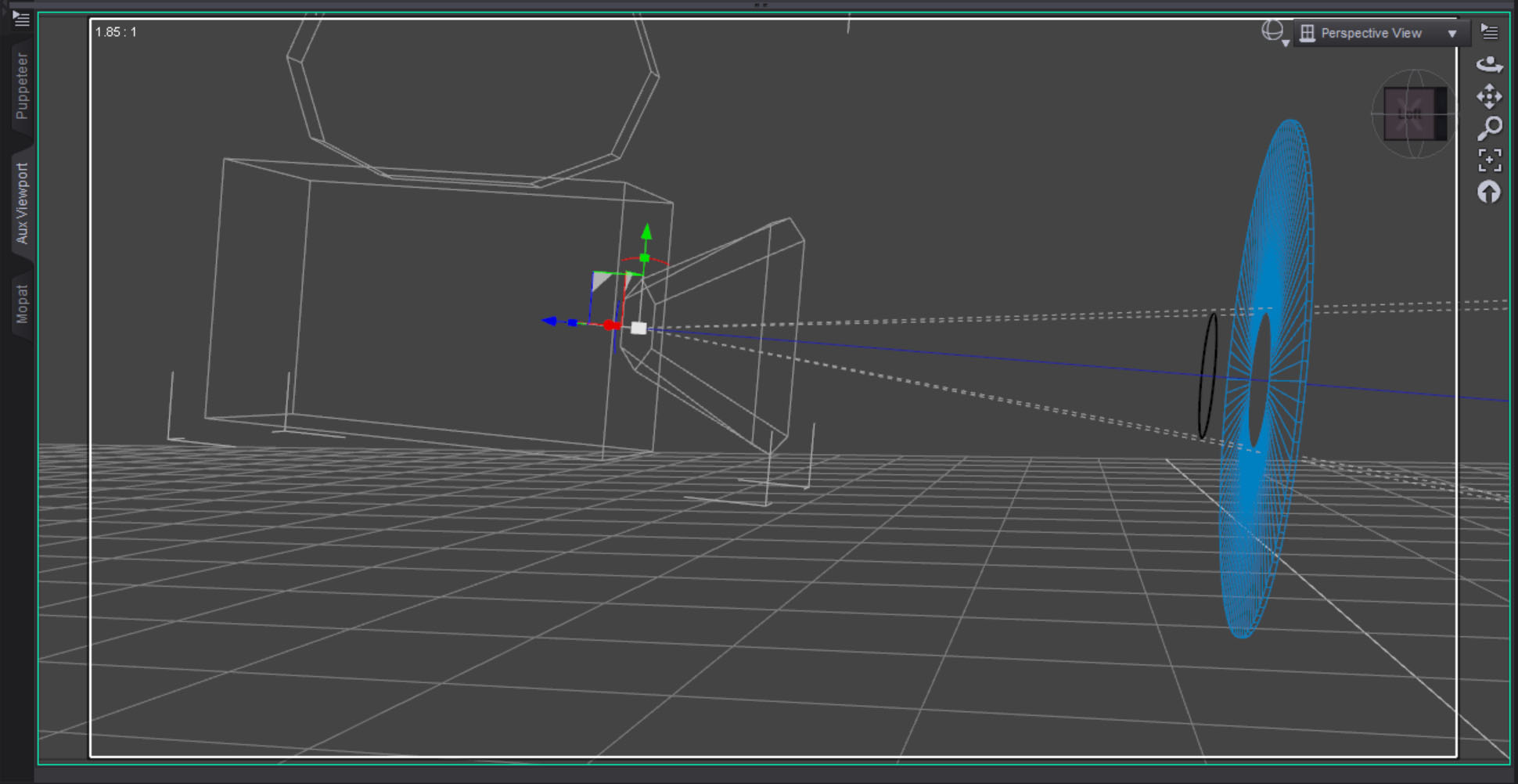 The blue surface was created with a three sided torus that was scaled flat along one axis. The center is eleven centimeters, slightly bigger than the black circle. I wanted to make sure the black line could sit in front of and separate from the blue torus.
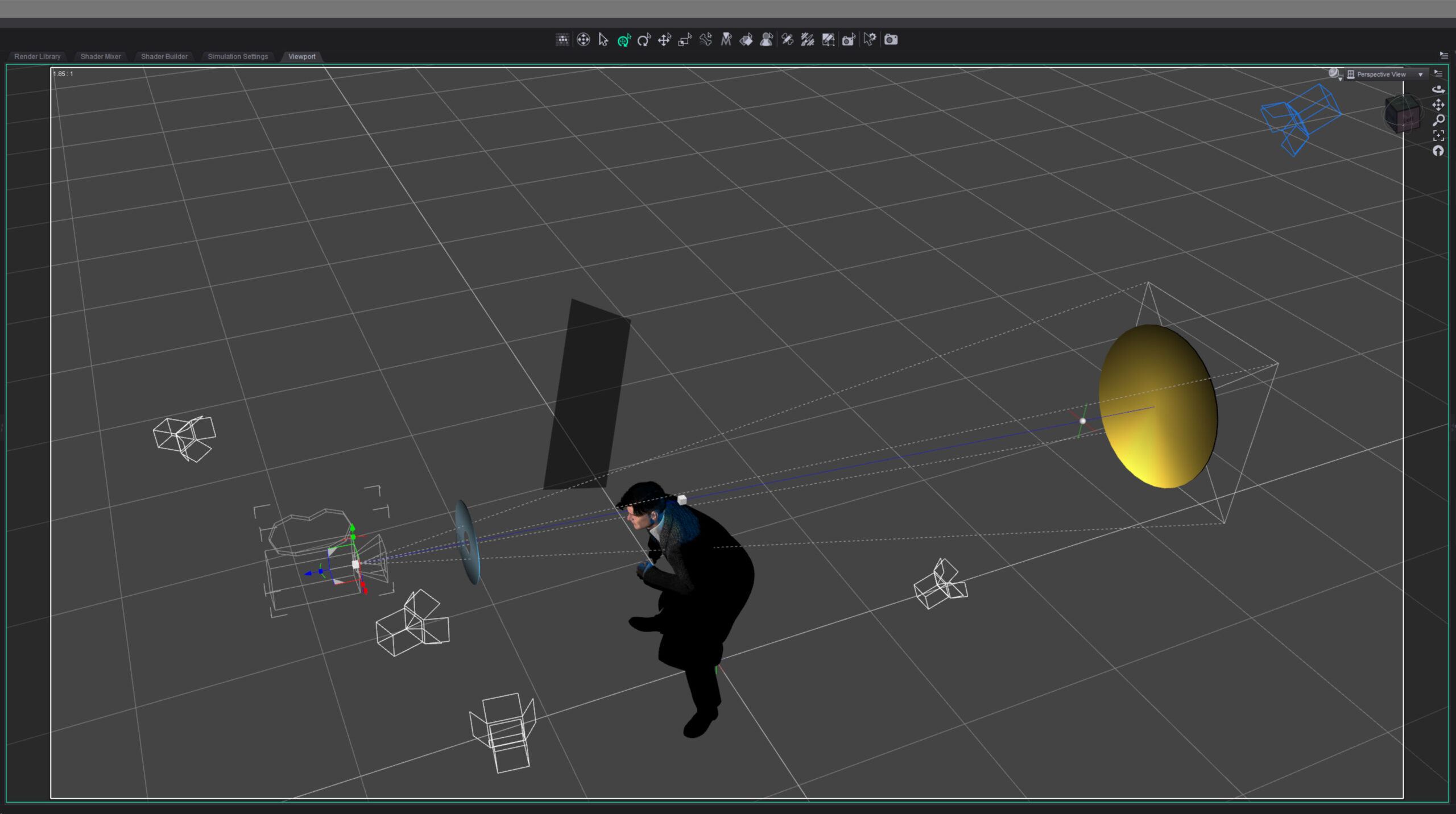 I lit the character with three lights: a hard key light from the side to suggest a noir style, a backlight to bring out the hair and jacket, and just a bit of fill on the face. I decided to make the backlight blue because I thought a blue highlight would suggest how black hair is colored in comic books.
Finally I set lights for the graphic elements. I wanted the blue foreground light to be even across the object but I had to light it from the side to keep it off the character. I didn’t think it would work but after a bit of tweaking I was able to get the light relatively even.
For the yellow background I wanted the opposite. I set the light low and shot it up across the surface, creating a gradient effect.
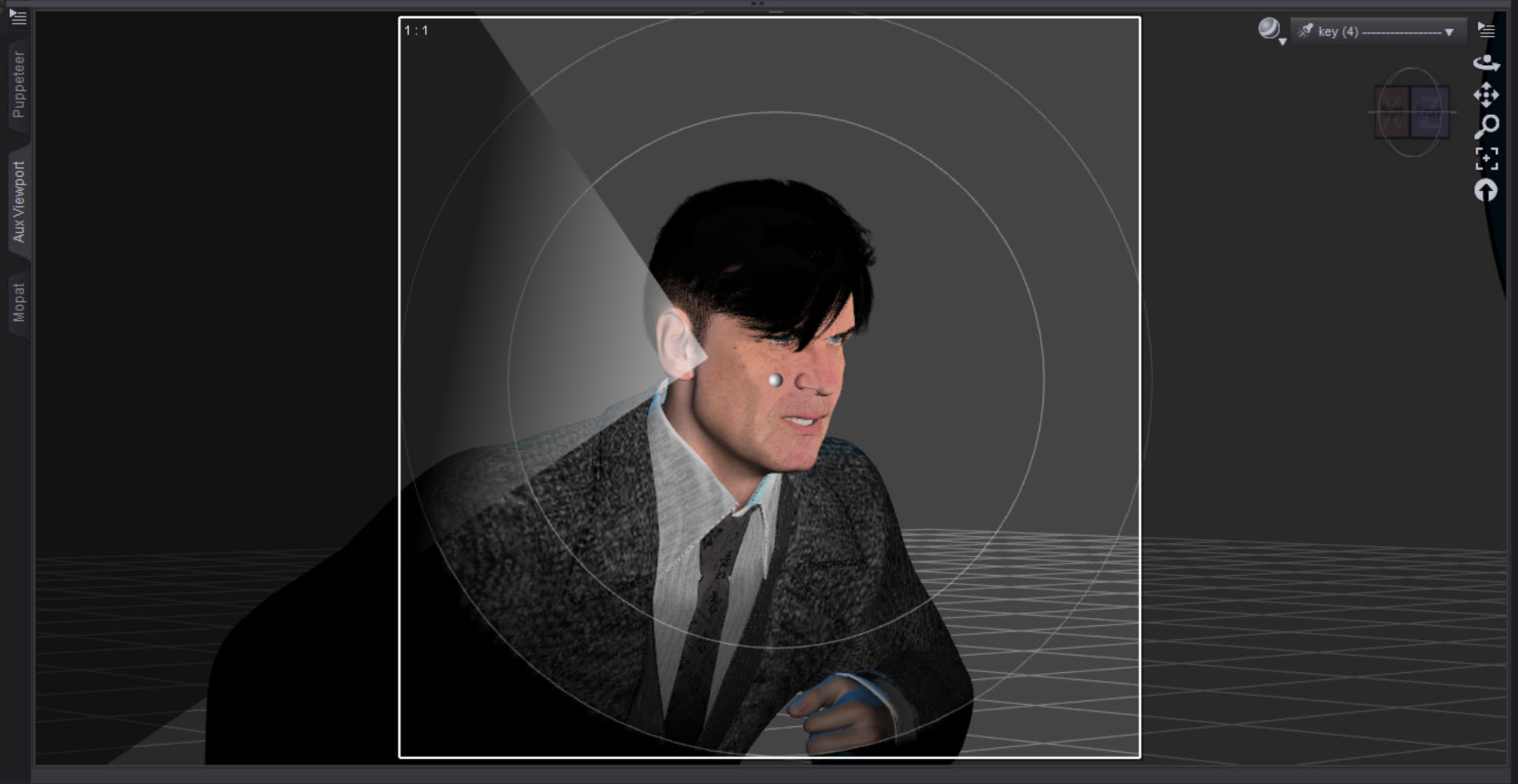 The hard key light on the face looked a little flat on one side so I created a simple plane to make a “flag.” I parented it to the key light, then brought it in just a bit to break things up. I reduced the surface Cutout Opacity to make it semi-transparent and only block some of the light. I guess that makes it more of a “net” in filmmaking terms.
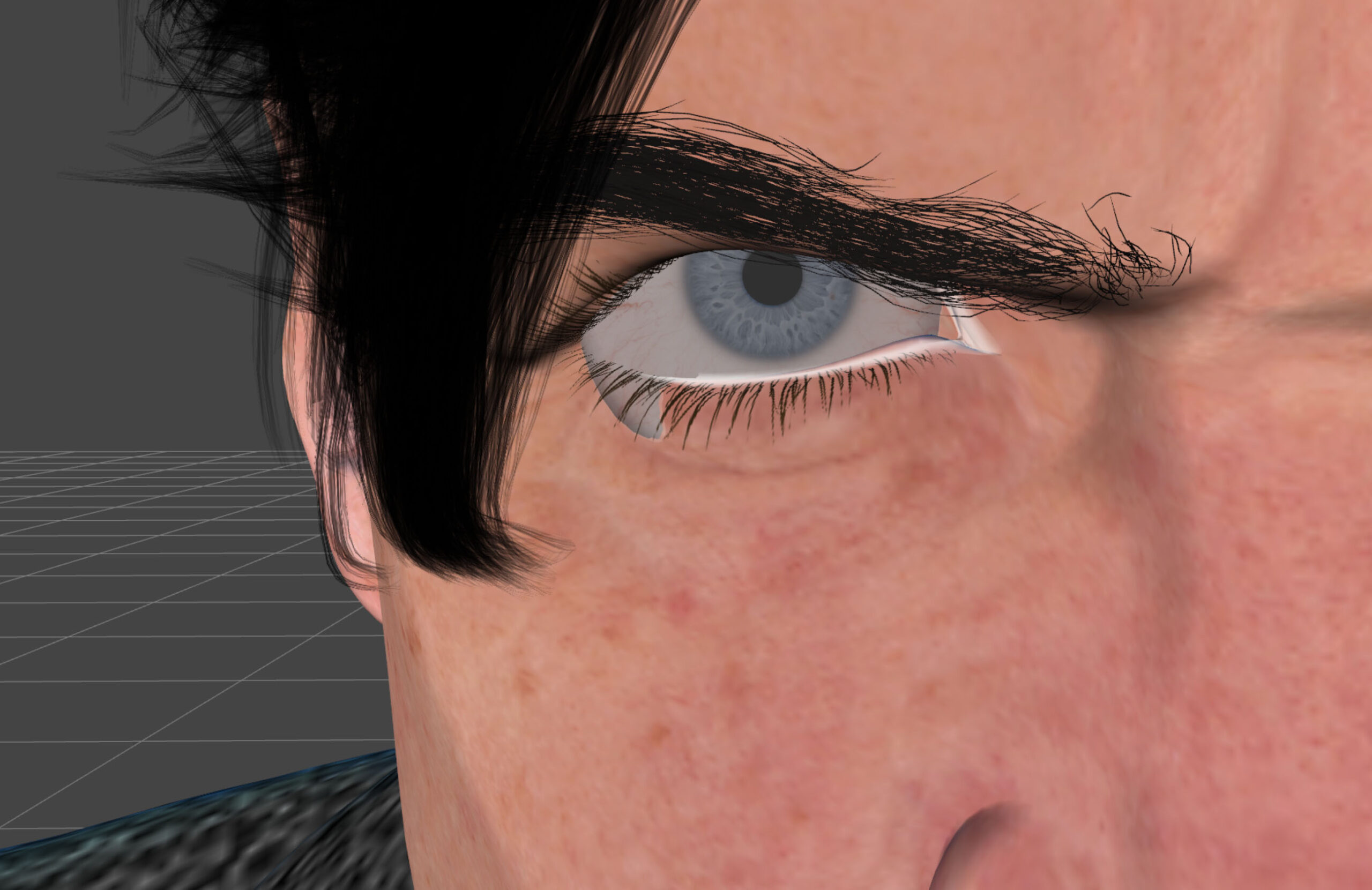 At one point I had this strange problem that I never had before where the eyeballs were hanging out of the sockets on either side. I thought it might be a problem with the expression settings I was using but that turned out to not be the case. I never figured out what it was. I solved the problem by translating both eyeballs in slightly.
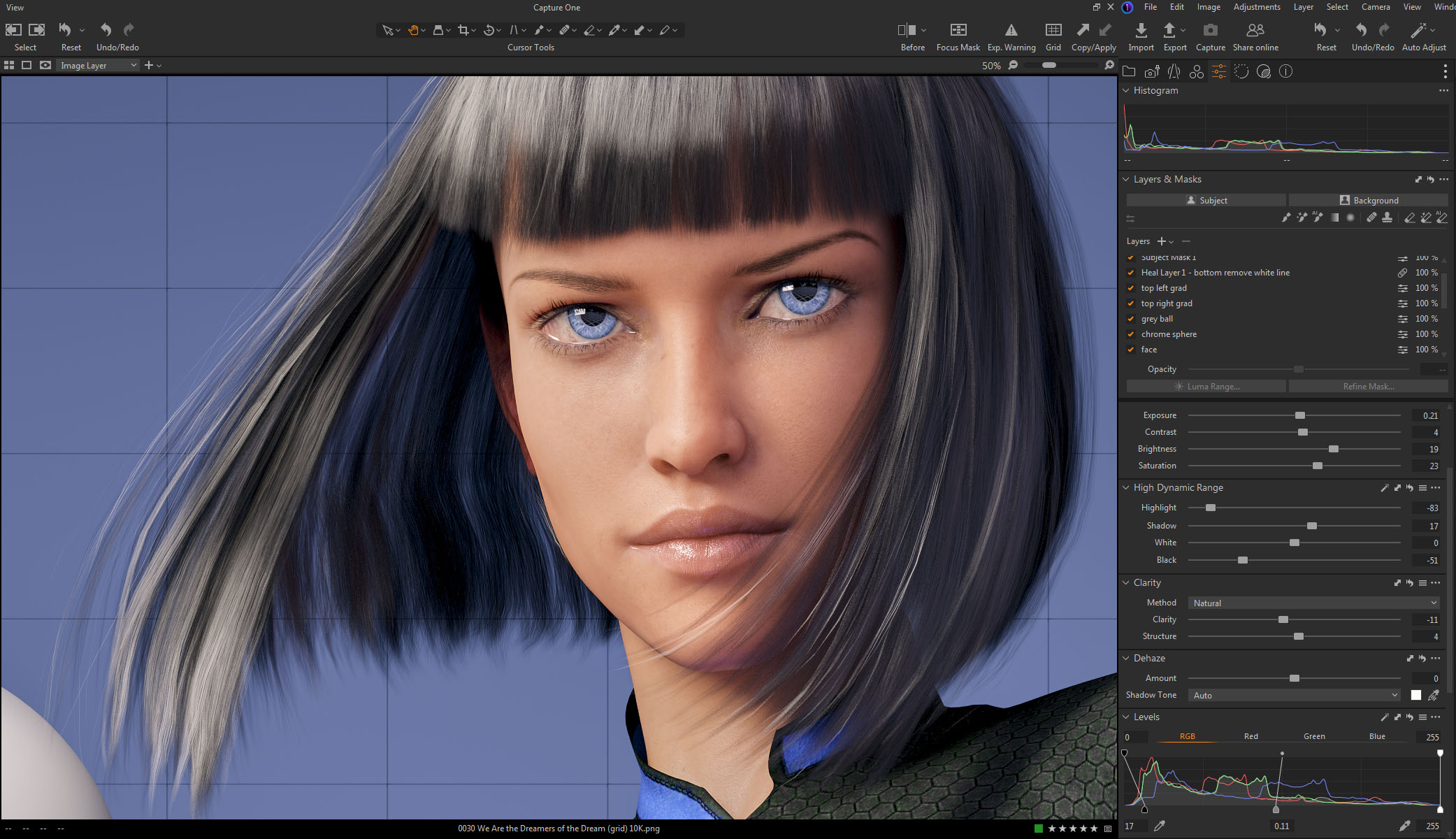
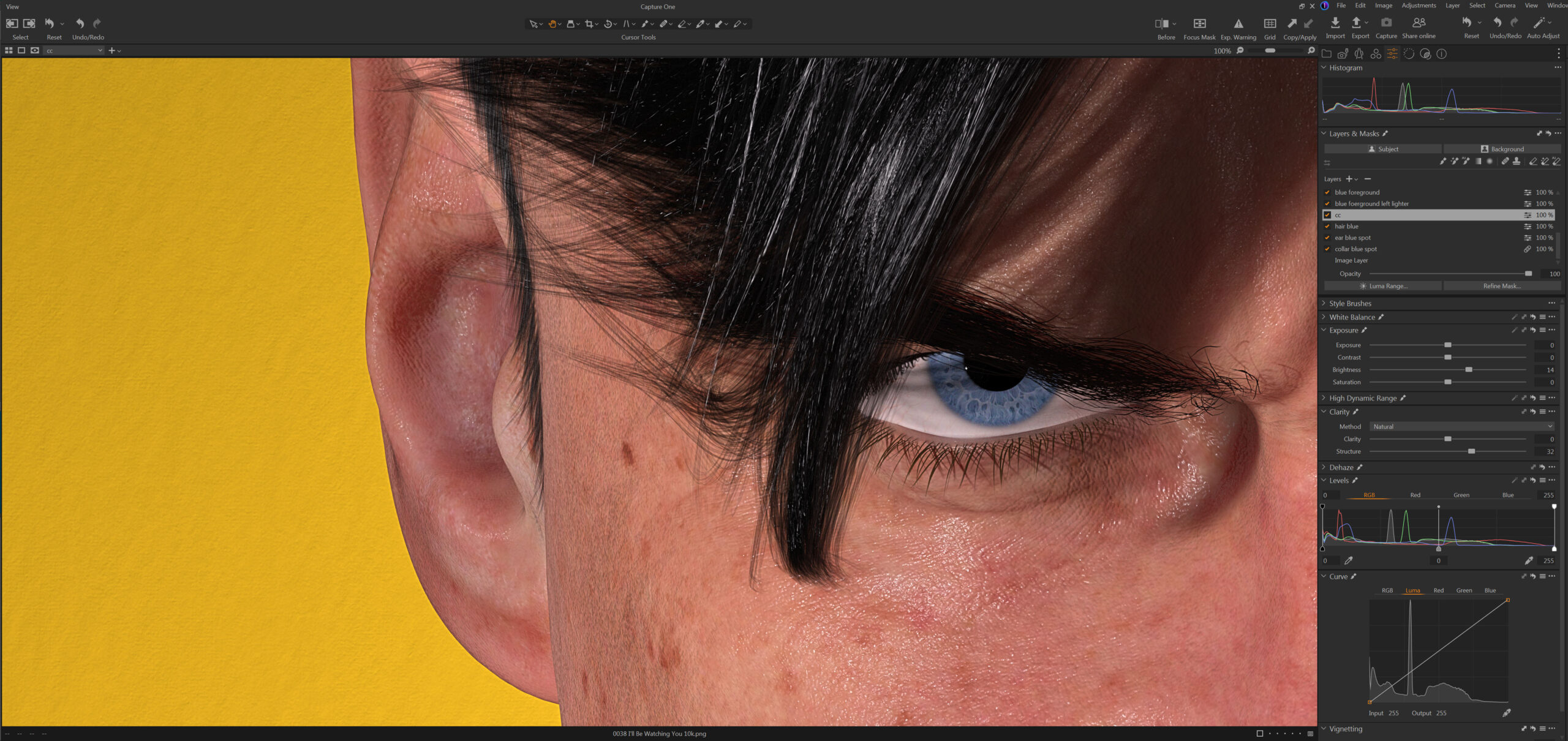 Color correction in Capture One was relatively simple. I brightened up the character a bit and re-balanced the lightness of the graphic foreground and background separately. I also combed over all the minor details and fixed any small imperfections. If I print this big you will be able to see everything.
Overall I’m quite happy with the way this image turned out. It feels good to be creating again.
Created in DAZ Studio 4.24
Rendered with Iray
Color Correction in Capture One
 #Art I made with #Midjourney #AI
Beware Google’s AI answers
So, I bought a Synology Network Attached Storage RAID and I was setting it up. The hard drives were making a rhythmic thumping noise for some reason. I suspected it may have been because I upgraded the RAM from 4GB to 32GB. I typed the following into Google to search and see if anyone else had a similar issue:
“Sunology DS1821+ drives thumping like heartbeat with RAM upgrade”
The first response was Google’s AI that said something like “The reason Synology DS1821+ drives thump like a heartbeat when you upgrade the RAM is… (blah, blah, blah something ridiculous that is obviously incorrect if you know anything about computers.)”
The problem was that the AI took what I wrote and assumed it was true. I didn’t know if it was true. I was searching google to find out. Nothing turned up in the search and after a few tests on the hardware, I found that the RAM upgrade wasn’t the issue.
Be careful with AI. It makes assumptions. In this case it was easy to spot, next time who knows. Double check everything it says.
 #Art I made with #Midjourney #AI
If you ignore the clickbait title and skip the first two and a half minutes of seizure inducing “teaser” montage, this video ends up being the best discussion I’ve seen in a long time about the history of information technology and it’s effect on Democracy. Highly recommended.
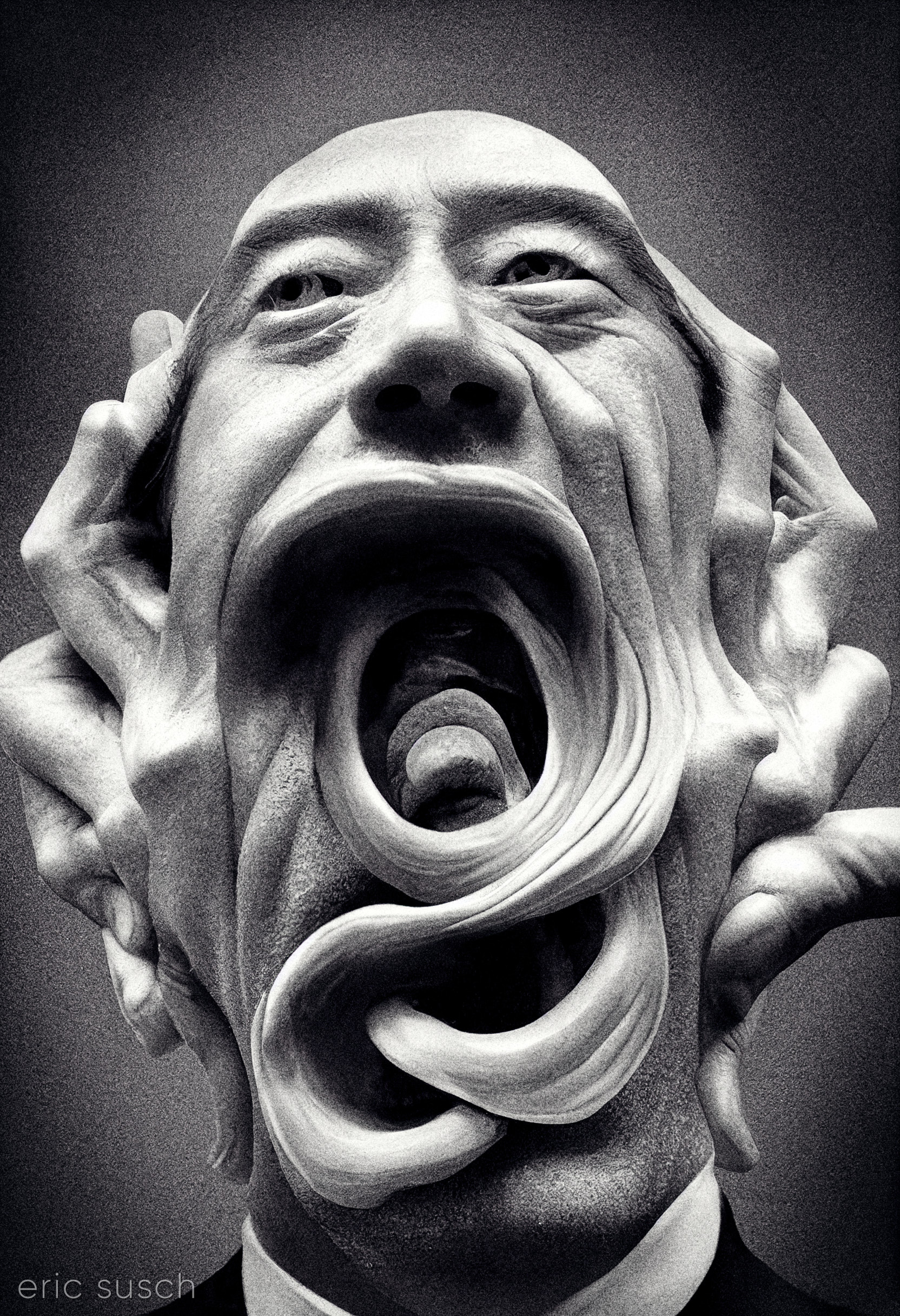 I’m posting this AI art I created today, because I’m thinking about the children in Springfield Ohio who are afraid to go to school because of bomb threats. We need less lying made-up culture-war nonsense, and more discussion about the future.
#Art I made with #Midjourney #AI
The Hitler wannabe guy at 5:15 in this Rachael Maddow clip posted an attack video in 2020 disparaging the Hasidic Jewish community in northern NJ. He called them “a plague of locusts.” I live in NY right on the NJ boarder. Many from this Jewish community live in my town. They are literally my next door neighbors and have been for years. This kind of crap has to stop. Candidates for President should be condemning these bigots, not hosting them at their golf club. All it would take is a mention of my town in a national debate and what’s happening in Springfield Ohio will happen right here. …Or maybe in your town. Bomb threats in schools, people afraid to go grocery shopping or to a restaurant… or worse. None of this is acceptable and it’s not who we are as Americans.
 #Art I made with #Midjourney #AI
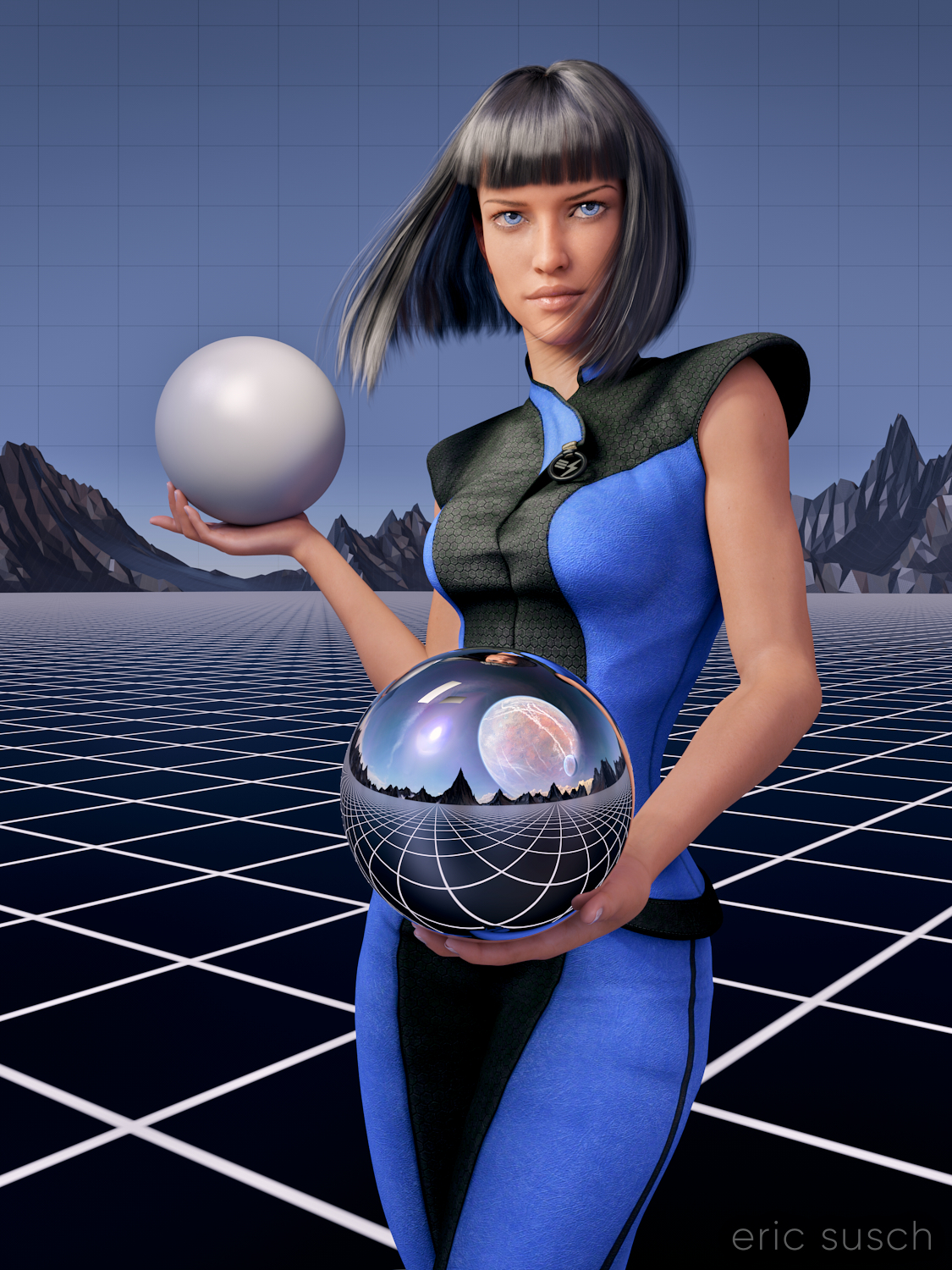
After my first experience making a puzzle I decided to update the artwork before printing another test puzzle. I always thought the sky was a little plain in this piece especially since the sky reflected in the chrome sphere has a planet and clouds. The plain blue at the top was also more difficult to piece together as a puzzle. To give it some detail I decided to put a grid across the entire sky. I think thematically this new grid shows that the image reflected in the sphere is actually a future dream. The actual metaverse environment isn’t built yet.
I actually went all the way back into DAZ Studio to place the grid in 3D space and re-render the entire scene from the beginning. I also took the chance to re-adjust the camera slightly to give more room around the edge of the frame for print bleed. Final color correction is also slightly different. If you’re re-doing it anyway, why not fix the things that bug you?
I also took the opportunity to fix another problem that I previously didn’t know how to fix and which has driven me insane since I first rendered the image. In the original you’ll notice that the left armpit of her “space samurai” outfit is screwed up.
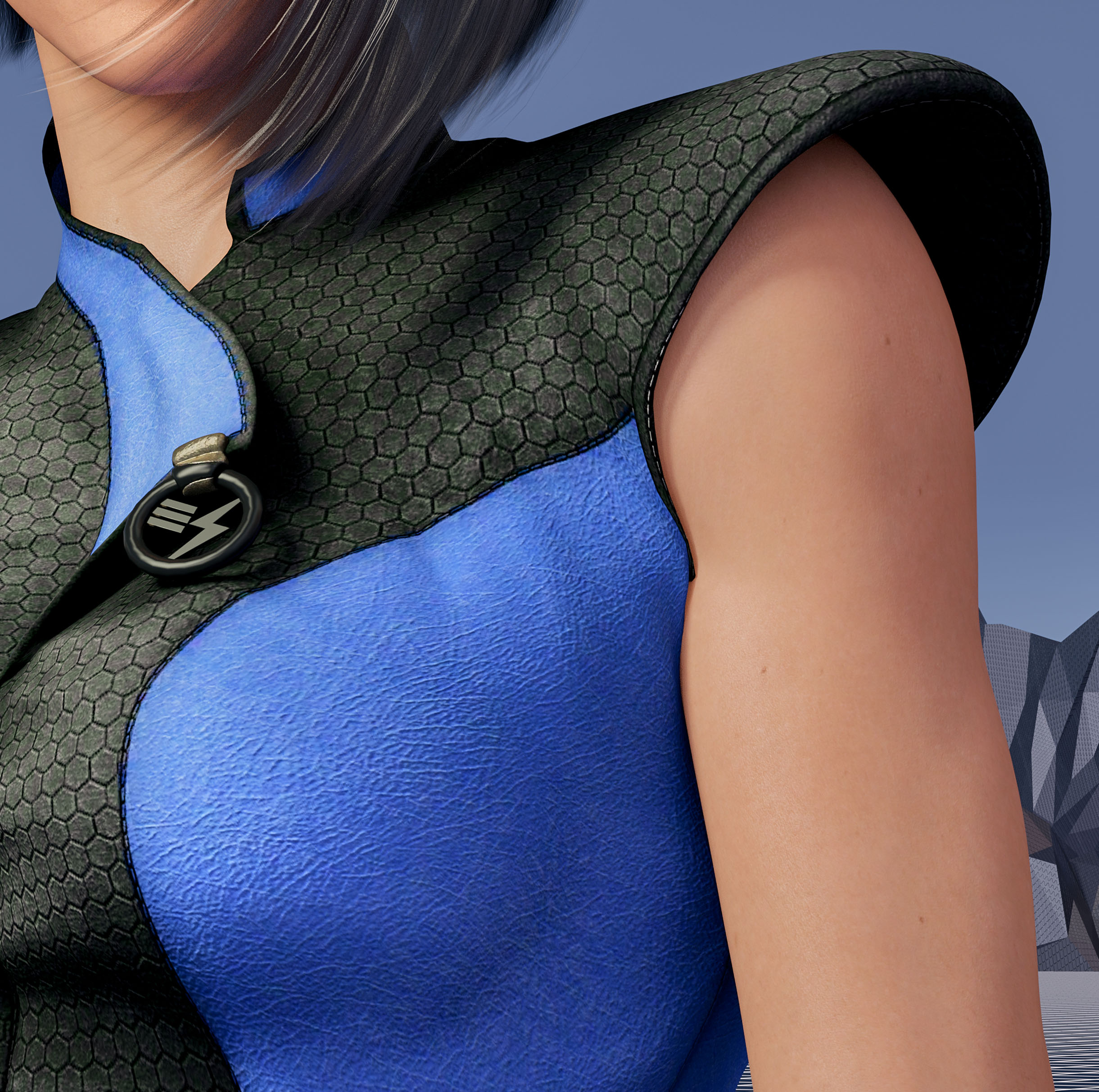 That’s because the clothing mesh is getting confused between the arm and the torso which are colliding. I was able to grab the clothing mesh with a DAZ Studio plugin and pull it back toward the torso. I actually had to stretch it quite a ways into the center of the character like a rubber band to get this small area to look better.
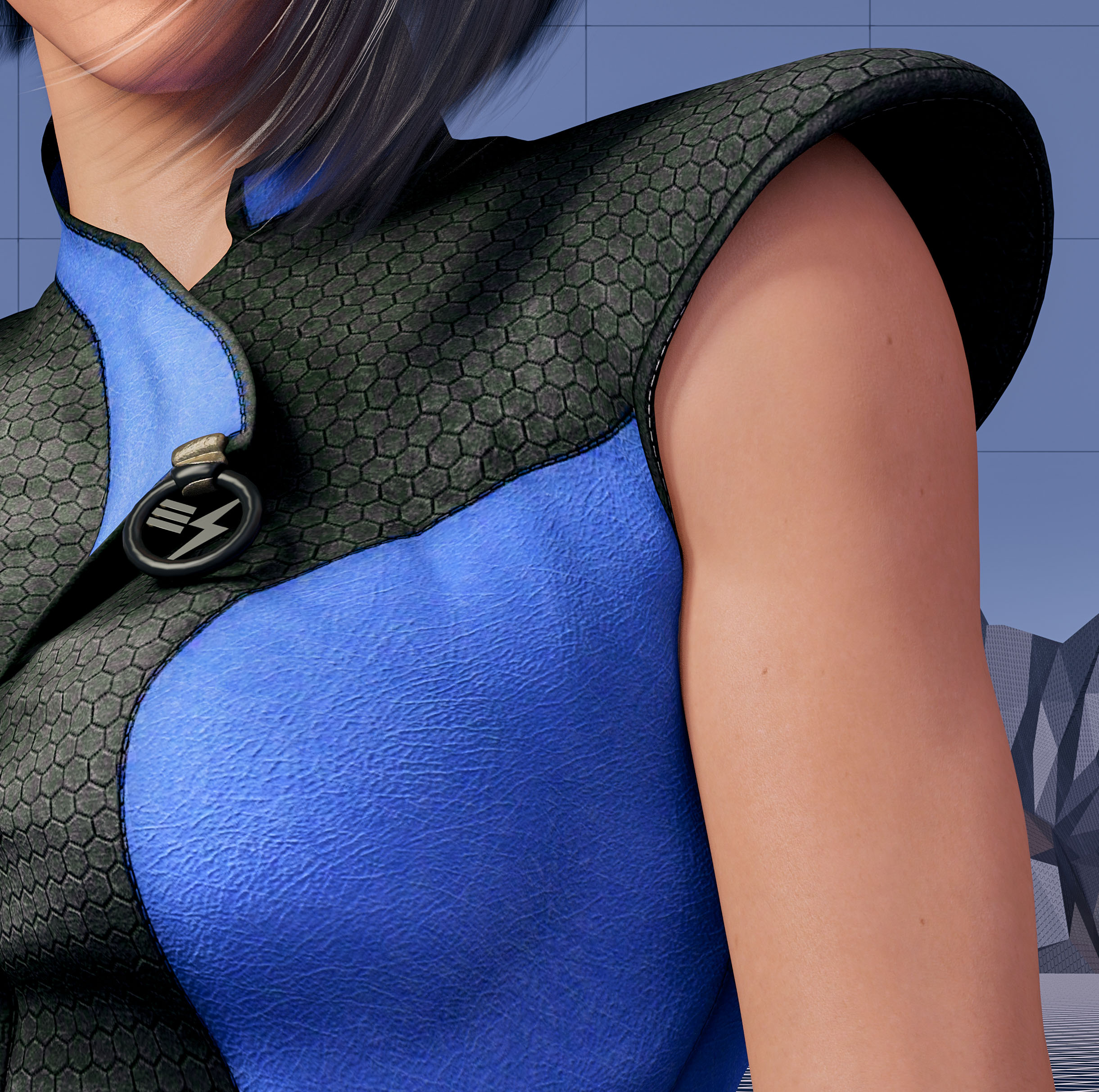 These changes were relatively small but I think they make a big difference. Can’t wait to see this new version printed out.
Created in DAZ Studio 4.22
Rendered with Iray
Color Correction in Capture One
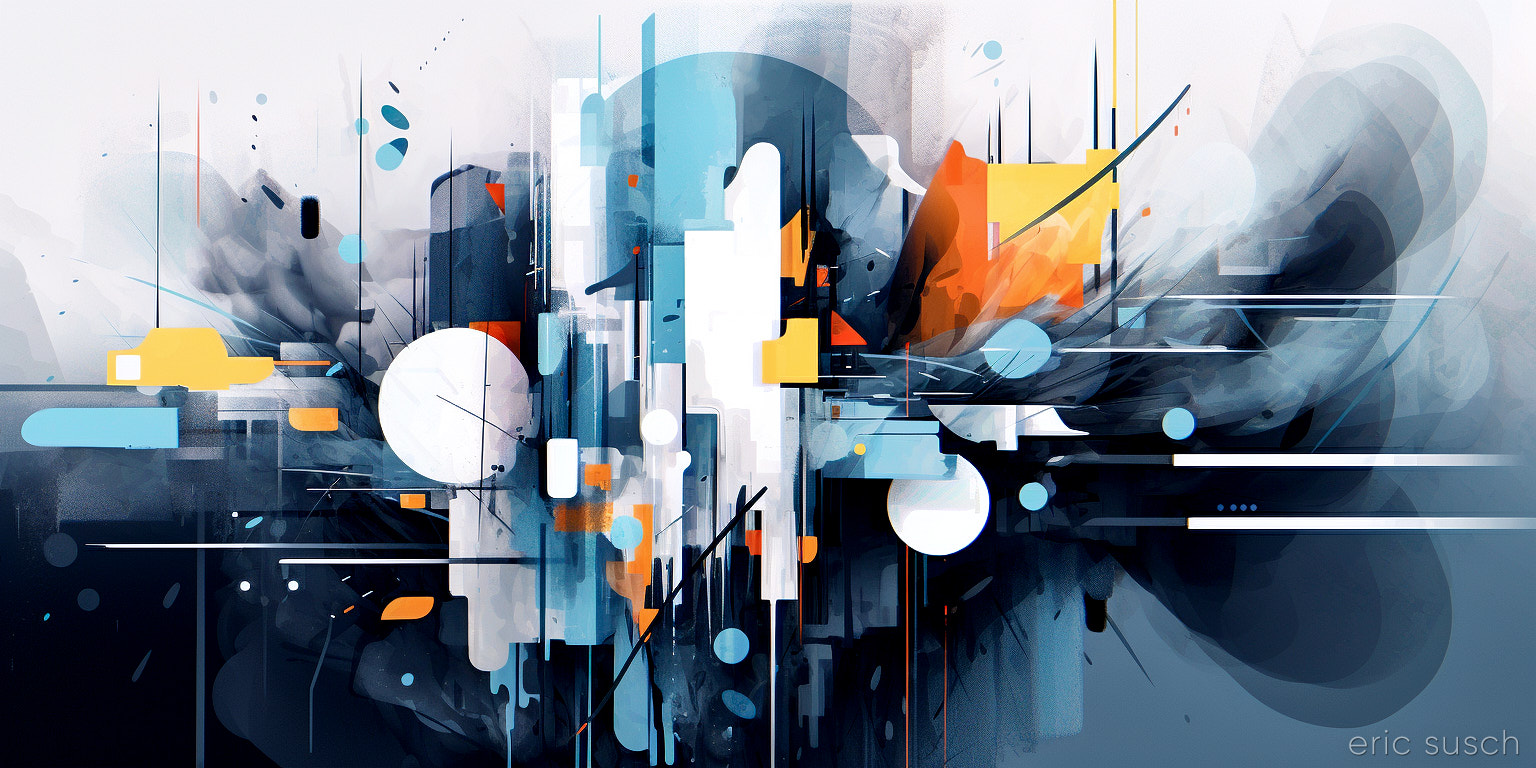
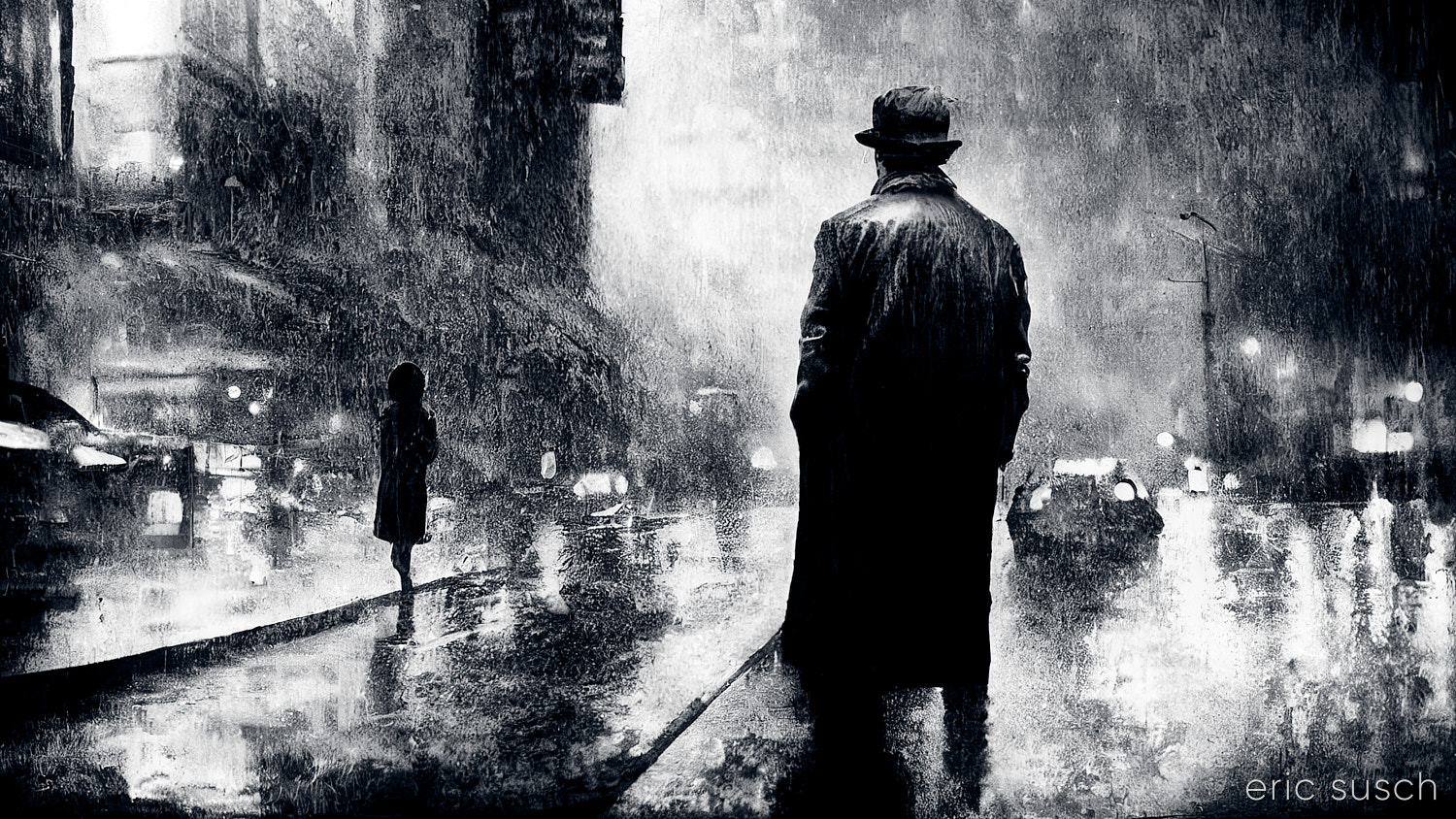 Looking back at some of my earliest AI renders and scrounging thru the thousands of rejected varriations, I’ve been finding several interesting pieces. This was a test image created when Midjourney was developing a “remaster” feature two years ago. It’s a variation on the second image I ever created, re-rendered using a later Midjourney model… maybe version 3 or 4, I’m not sure. Of course that newer version is now old and instead of seeing the improvement in the technology I’m looking at this render with new eyes and seeing it for what it is. I love the texture and contrast of the whole thing so I fixed up the composition and re-did the color correction.
Personally I’m getting less excited by the newest versions of Midjourney. The development seems to be barreling toward pure photographic realism, losing all the interesting artistic textures. I’m going to have to try to find ways to add additional prompts to get some of the abstract goodness back in current version 6.1.
#Art I made with #Midjourney #AI